

What do I do if the patient pays directly?
Sometimes patients know they owe a shortfall before Effra does and want to pay you directly.
We always recommend taking a payment if the patient is offering to pay.
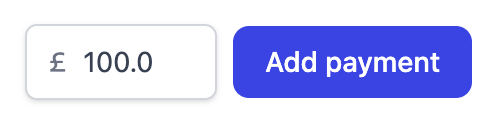
Once the patient has paid, you need to mark the invoice as paid in Effra so we don’t send
the patient an invoice. You can do this by using the “Add payment” button on the invoice
page.