
Storing and updating patient insurance details

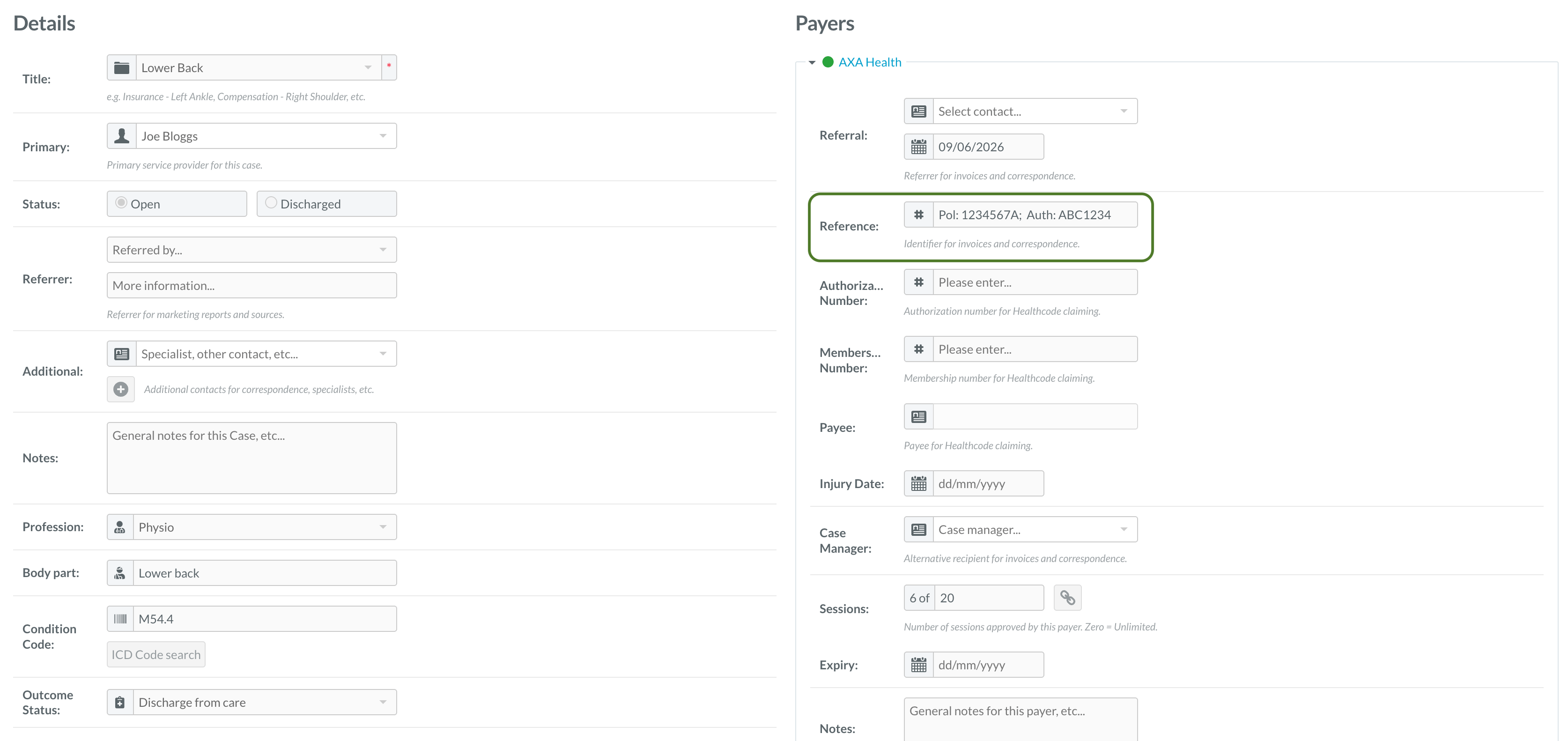
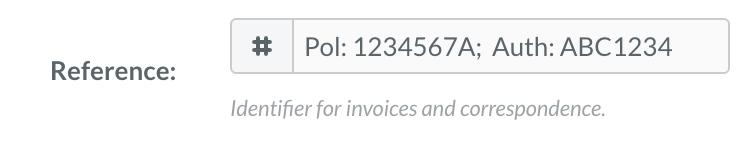
Once Nookal is set up, you just need to make sure the patient and insurance details are stored in the right place and Effra will do the rest. When creating a case for a patient, add their insurer membership number and pre-authorisation number to the Reference field. You should also include the relevant diagnosis details in the case title. If you prefer, the pre-authorisation number can be stored in the Notes field instead. If using the reference box, space is limited, so we’d recommend using the following format: Pol: XXXX; Auth: XXXX Screenshot 2026 09 23 At 09 40 02 1 Screenshot 2026 09 23 At 09 43 35 If you prefer, the pre-authorisation number can be stored in the Notes field instead. You should also make sure the patient’s address, email address and date of birth are stored in their Nookal patient profile. You can then create the insurance invoice as you normally would in Nookal, either from the diary appointment or from within the patient’s account. Finally, make sure the invoice uses the correct insurer-specific invoice item. The item should include the insurer’s name so that Effra can identify which insurer the invoice should be submitted to.