
Setting up Splose
To get Splose set up there are two steps:Grant Effra access to Splose
- In the top right, click Settings
- In the left sidebar menu, click Users
- In the top right, click Invite users
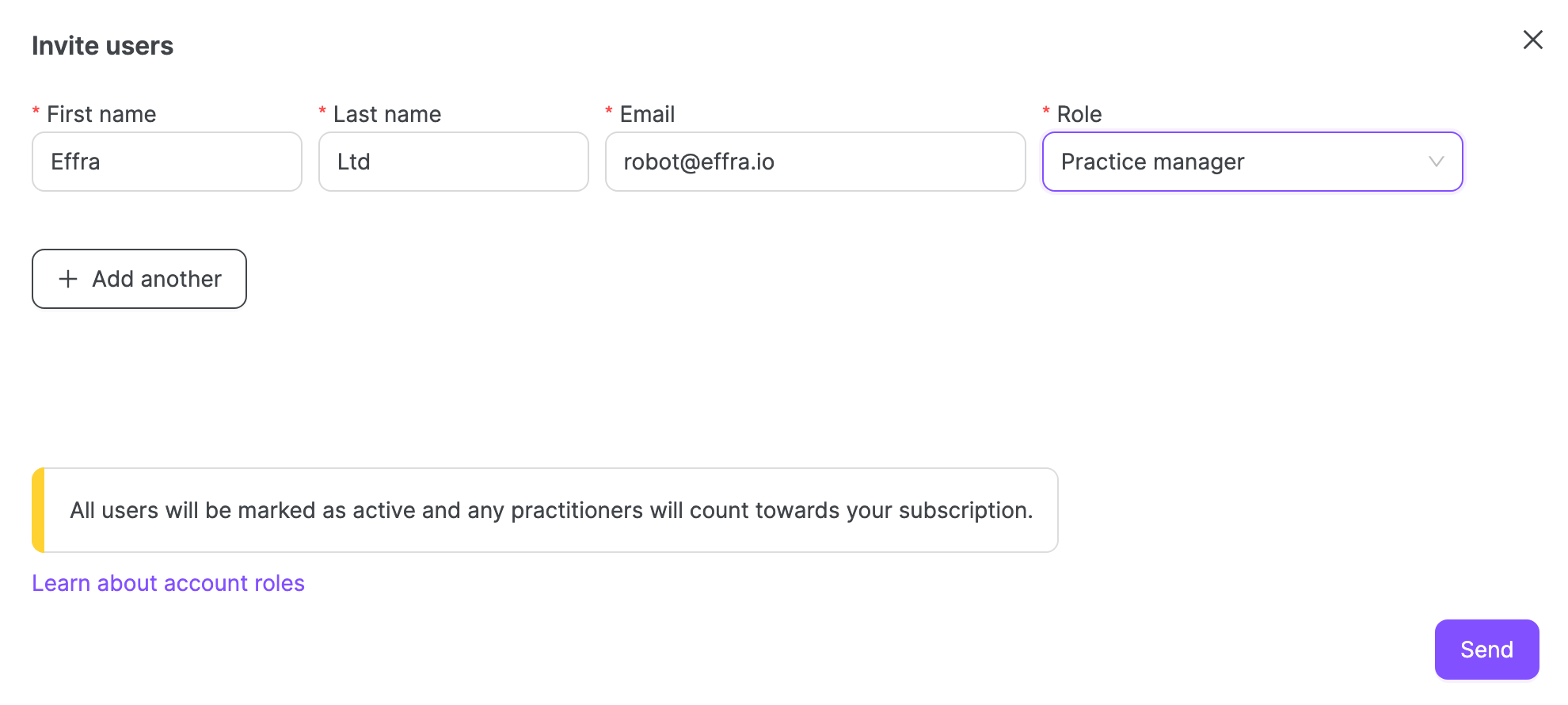
- Complete the required fields in the following way:
- First Name: Effra
- Last Name: Ltd
- Email: robot@effra.io
- Role: Practice Manager
- Click Send
Set up payment methods
- In the top right, click Settings
- In the left sidebar menu, click Payments
- Scroll to the bottom, click Add payment method
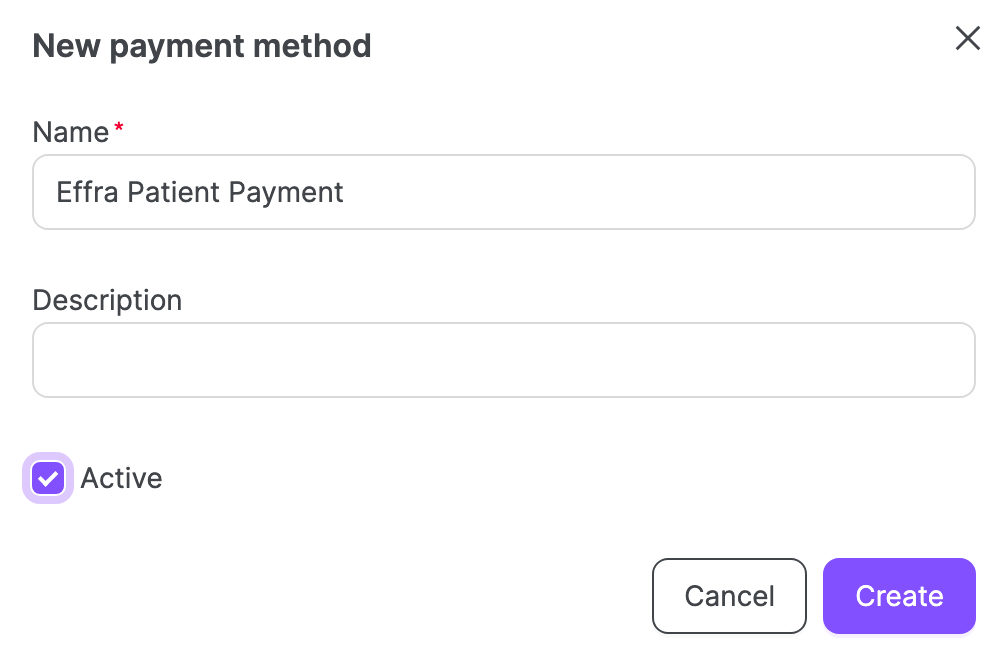
- Complete the required field in the following way:
- Name: Effra Patient Payment
- Tick the box marked Active
- Click Create
- Repeat to create another payment method
- Name: Effra Insurer Payment